Attendance and leave
Attendance and leave, without the chasing.
Clock-ins checked against the office location, shifts and monthly rosters, leave balances and requests, and approvals that reach managers in Telegram.
What's included
From the first clock-in to the last approval.
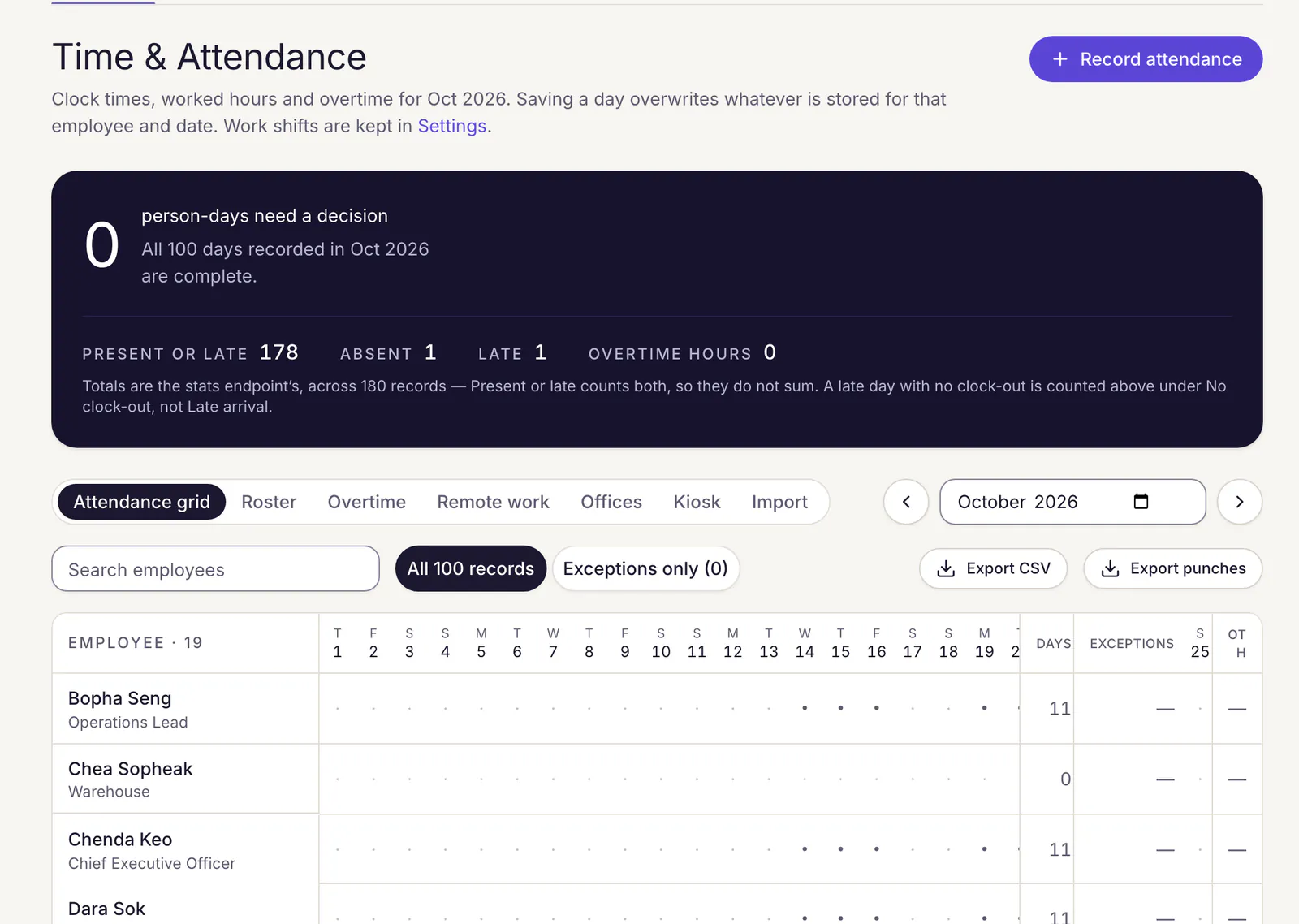
Clock-in with a location check
Staff set to office mode clock in only inside an office radius, from a phone or the web; a fix less precise than 200 metres is refused. Remote staff clock in from anywhere.
An entrance kiosk
Put a shared tablet at the door. Staff punch in with a six-digit PIN, and easy-to-guess PINs are refused.
Shifts and monthly rosters
Give each person a shift, or let department heads submit the month's roster for HR to approve. Staff can ask to swap a day.
Overtime and remote work
Overtime and remote-work days are requested and approved. Only approved overtime is paid, capped by the hours actually clocked.
Leave, balances and holidays
Your own leave types and balances, sick notes attached to requests, company holidays, and who else is out while someone plans time off.
Forgotten clock-outs
Anyone still clocked in late gets a reminder while the day can still be fixed, and the day is closed for them if it is not.
Leave
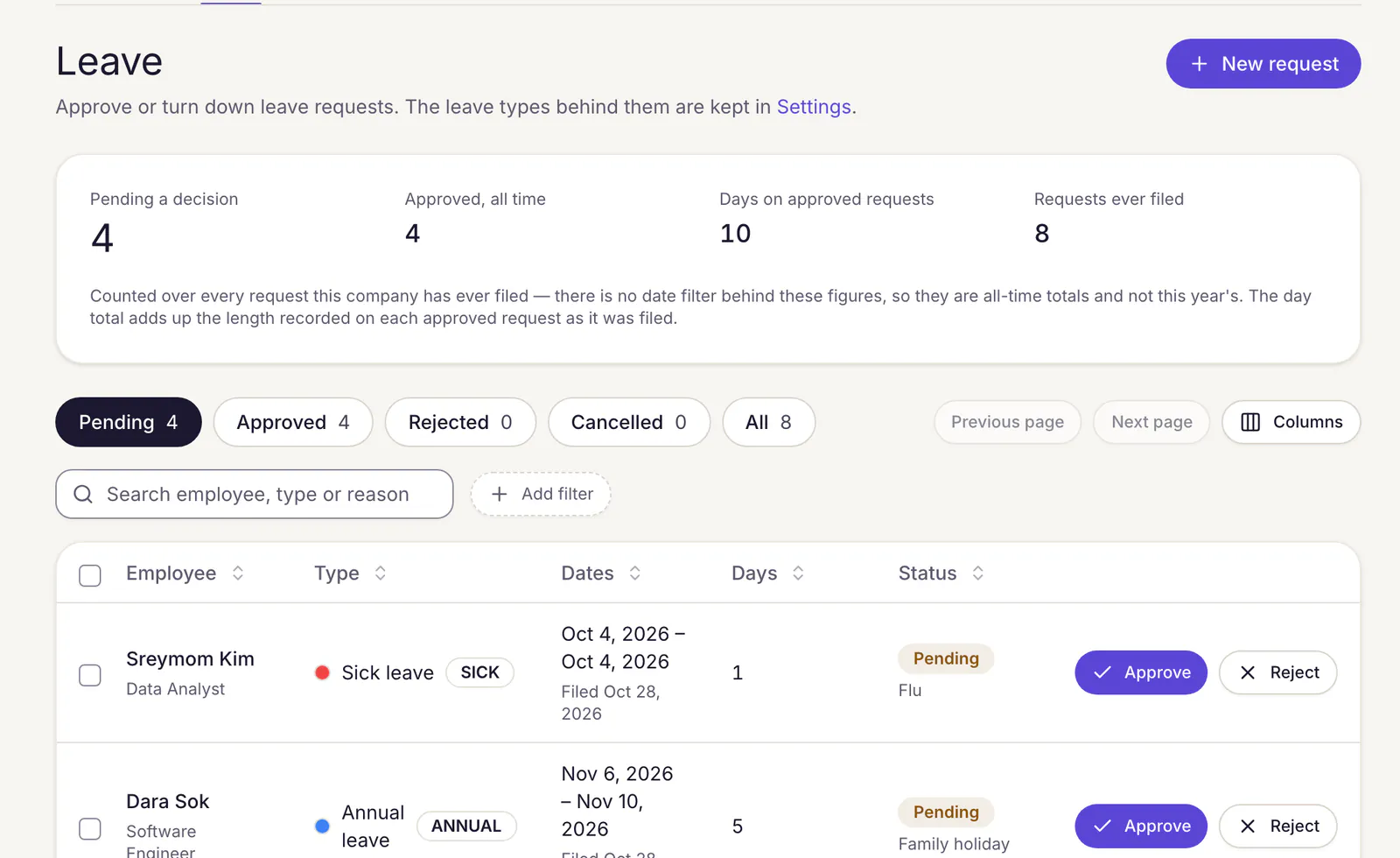
Every request, its balance and its paperwork in one list.
HR sees every pending request with its dates, days and reason, and decides from the list or opens it for the detail.
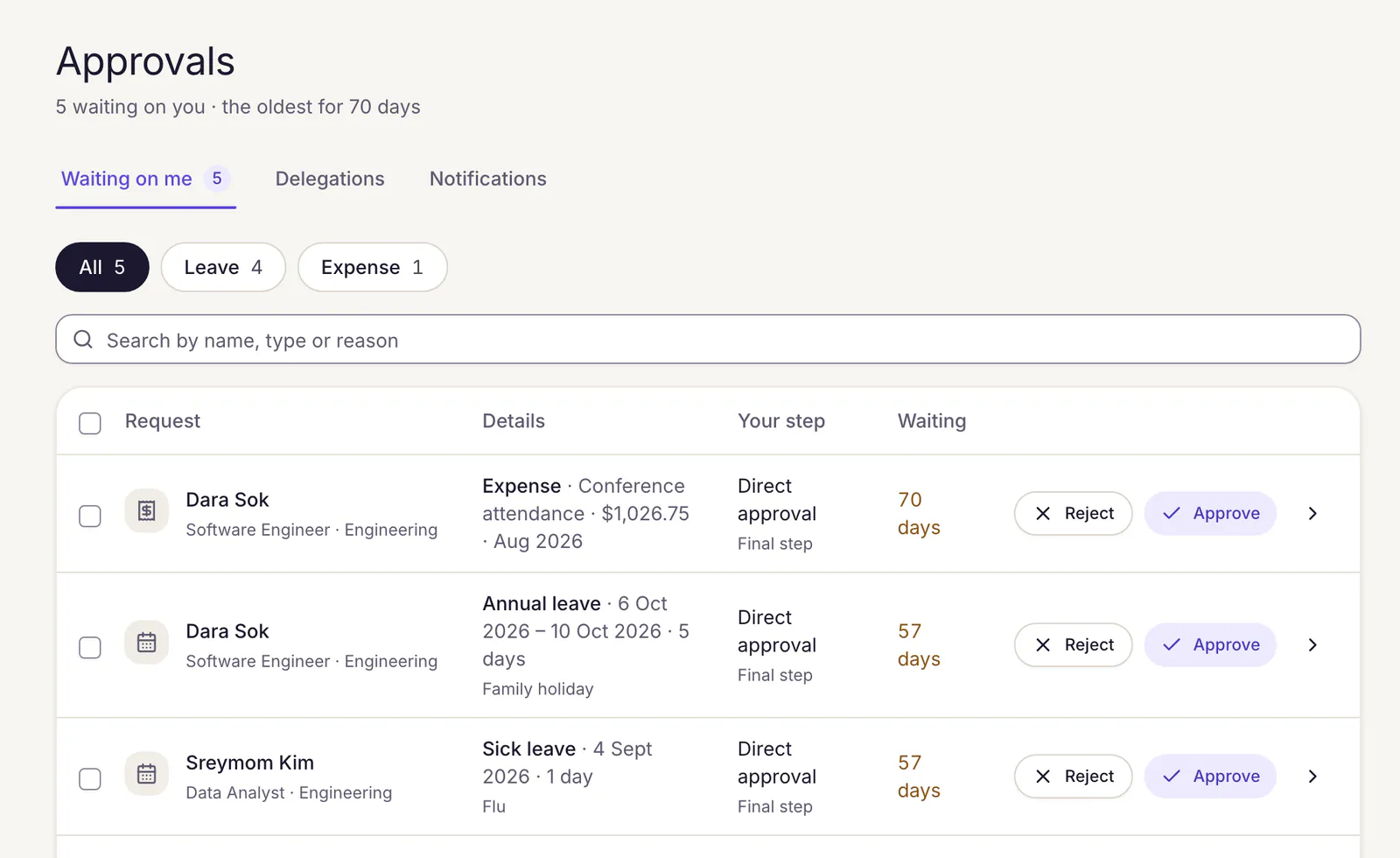
- Approval chains of up to ten steps, such as line manager, then HR.
- Approvers can delegate their approvals while they are away.
- Export attendance and punches to CSV for any month.
Telegram
Approve leave from the chat app your managers already use.
Link a Telegram account once. Each leave request then arrives as a message with Approve and Reject buttons.
- A rejection asks for the reason in a reply before anything is recorded.
- Claims, payroll, salary and overtime decisions always open in Ploy HR.
- The buttons expire after 15 minutes; the request stays in the Approvals inbox.
Questions
Good to know.
Do employees need to install an app?
No. Clock-in, leave requests and the rest of the self-service desk work in any phone browser. Staff who must be at the office allow the browser to share their location when they clock in.
What happens if someone clocks in away from the office?
The clock-in is refused with the reason, such as being outside the office radius or a location that is not precise enough. On a remote-work day that was approved, they can clock in from wherever they are.
Which approvals work in Telegram?
Leave requests. Expense claims, overtime, salary changes and the other request types are decided in the Approvals inbox, where you can also decide several at once. Payroll runs are signed off on the run itself.
Can line managers approve for their own team?
Yes. A manager who is also an employee decides their team's requests from My team, and can delegate them while away.
See your attendance setup in Ploy HR.
Tell us how your offices, shifts and leave rules work today, and we will show them working in Ploy HR.
Pilot workspaces are free. Nothing is billed yet.